Quartenson · Cognitive training products

Practical training tools built around meaningful progress.

Quartenson creates free browser exercises, mobile training apps, and evidence-informed guides for visual attention, memory, reaction, and focus practice.

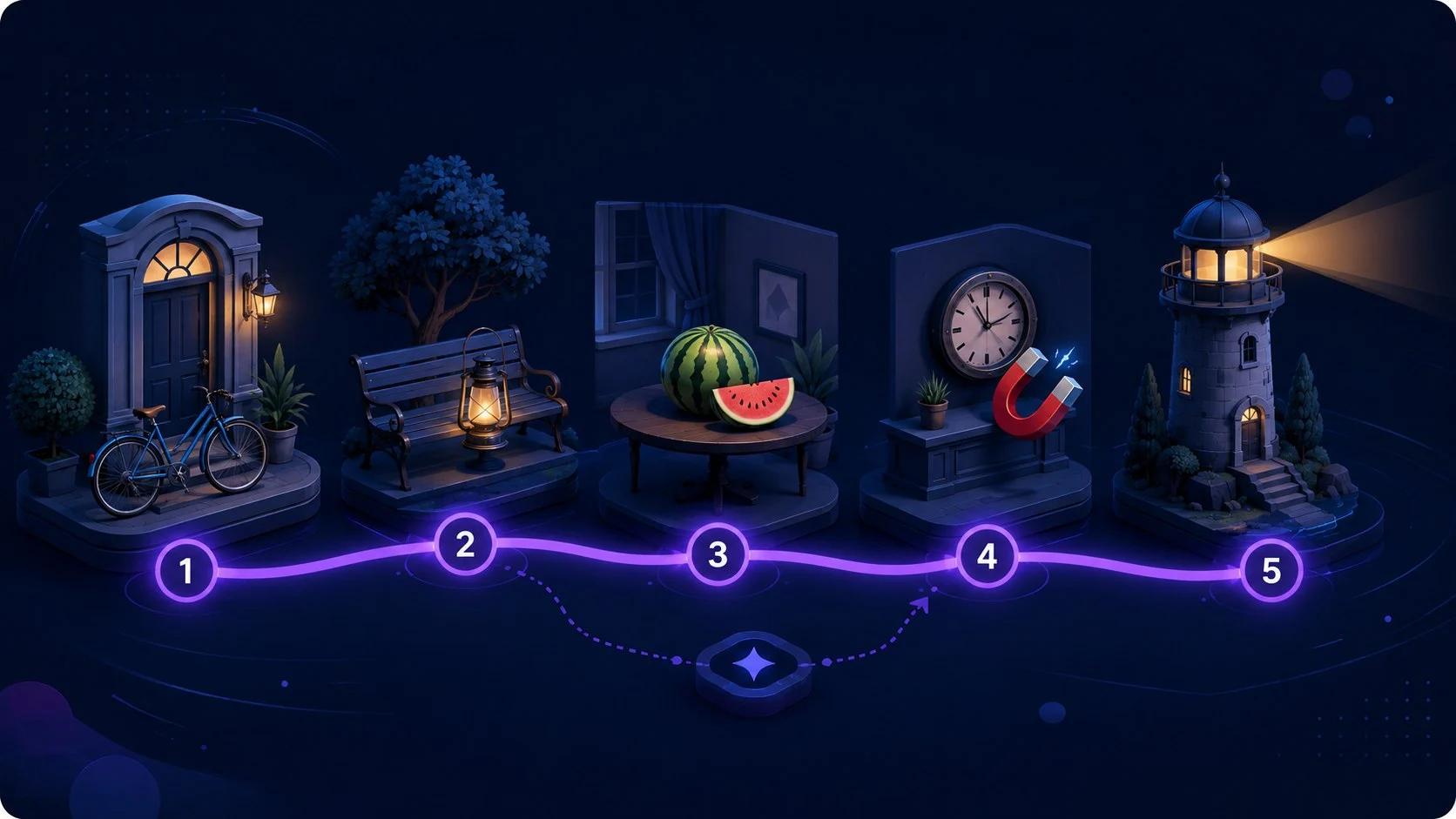
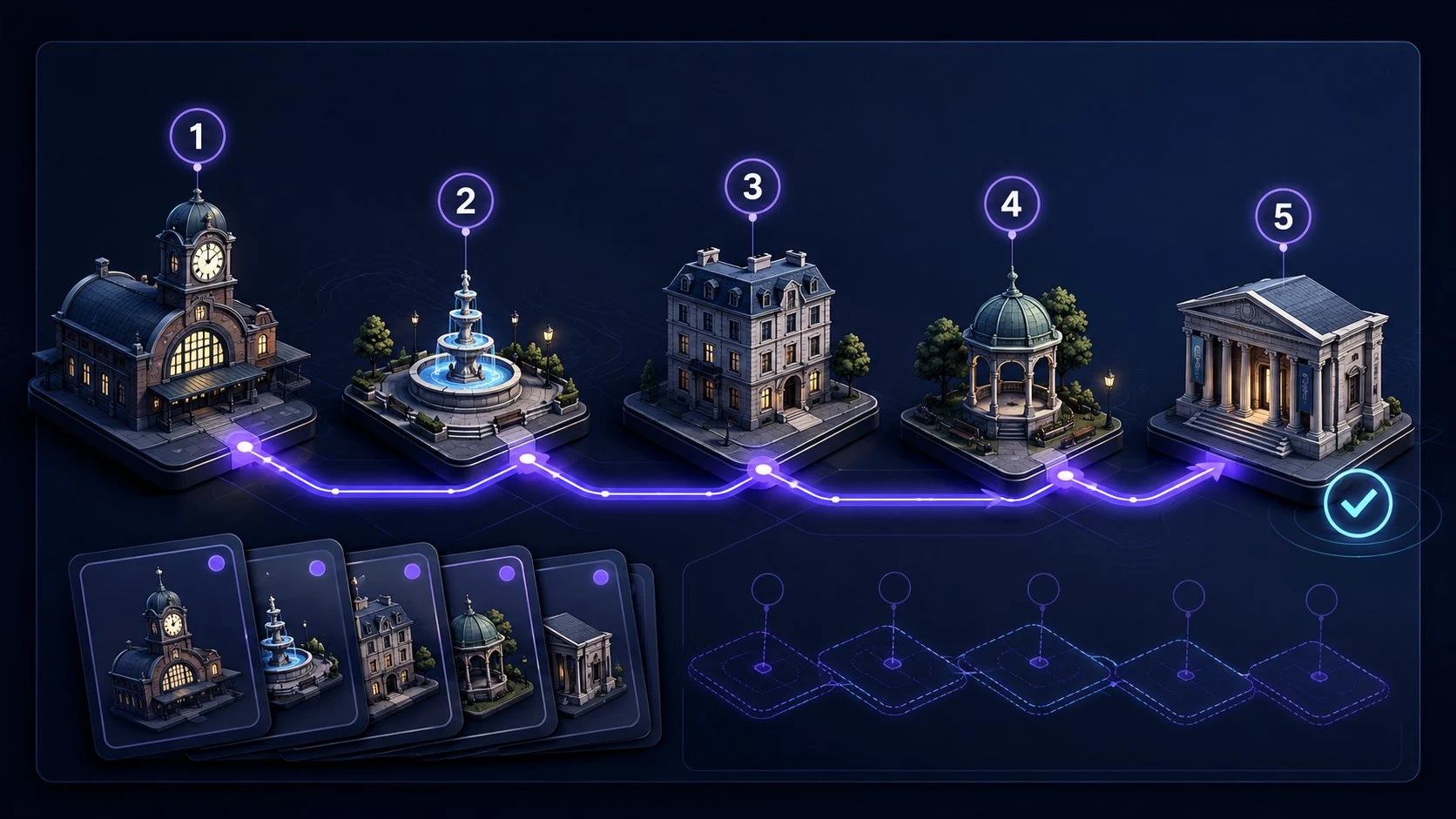
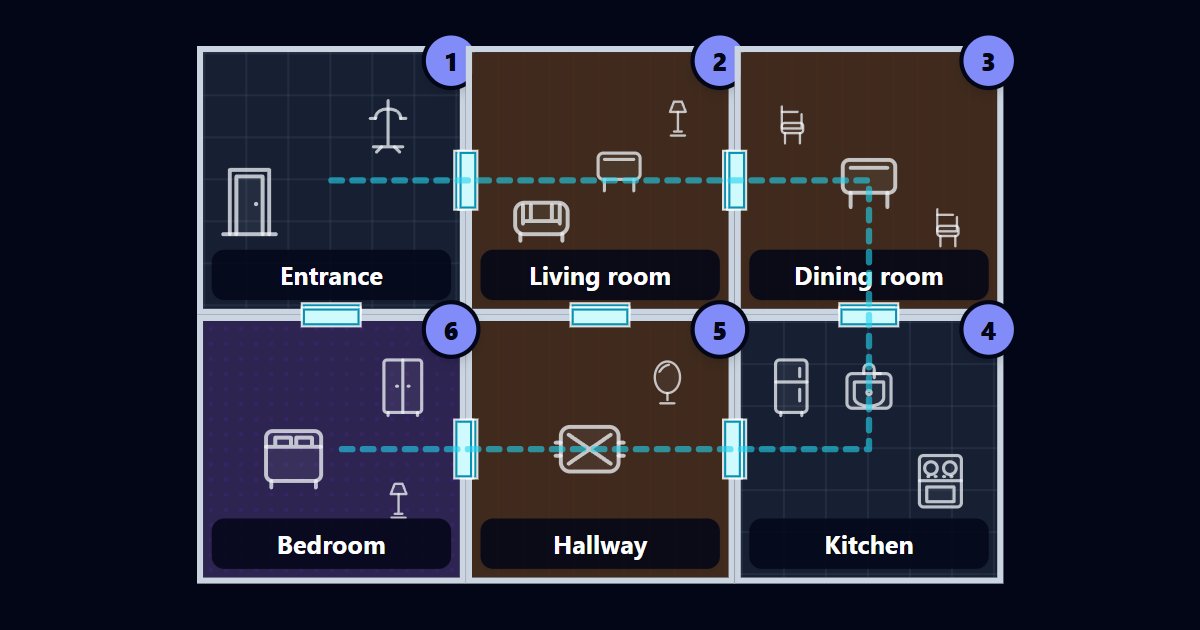
A clearer practice loopQuartenson

01

Choose

Pick a focused exercise.

02

Practise

Repeat the same setup.

03

Review

Use results and history as context.

Choose a free cognitive training exercise by goal: use Schulte tables for visual scanning and ordered search, visual search for target detection, visual memory for pattern recall, peripheral awareness practice for off-centre targets, or a reaction time test for response timing. No account is required.

Free browser exercises

Free Schulte Table Trainer

Find the numbers in order

Focus • Scanning • Speed

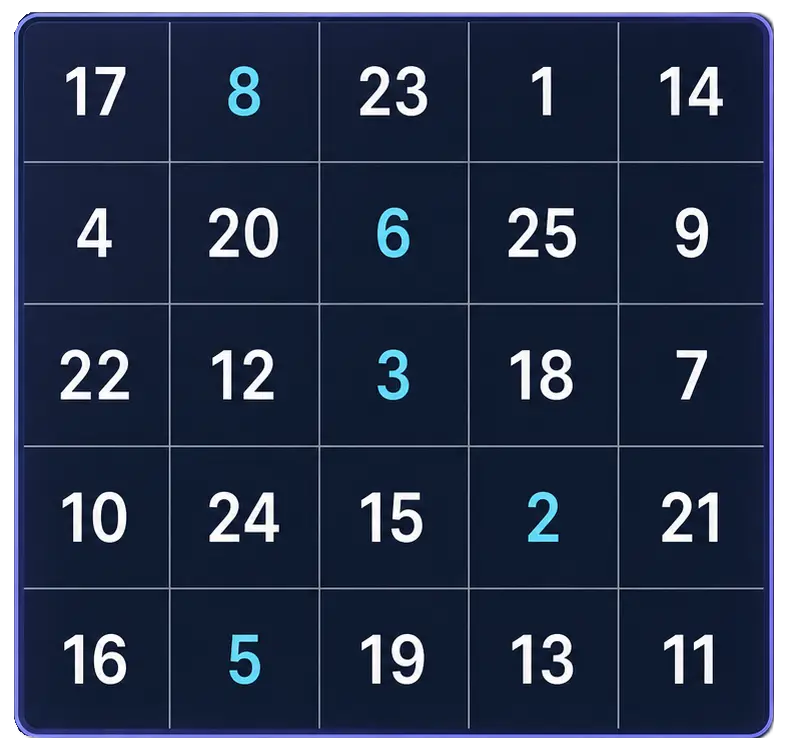
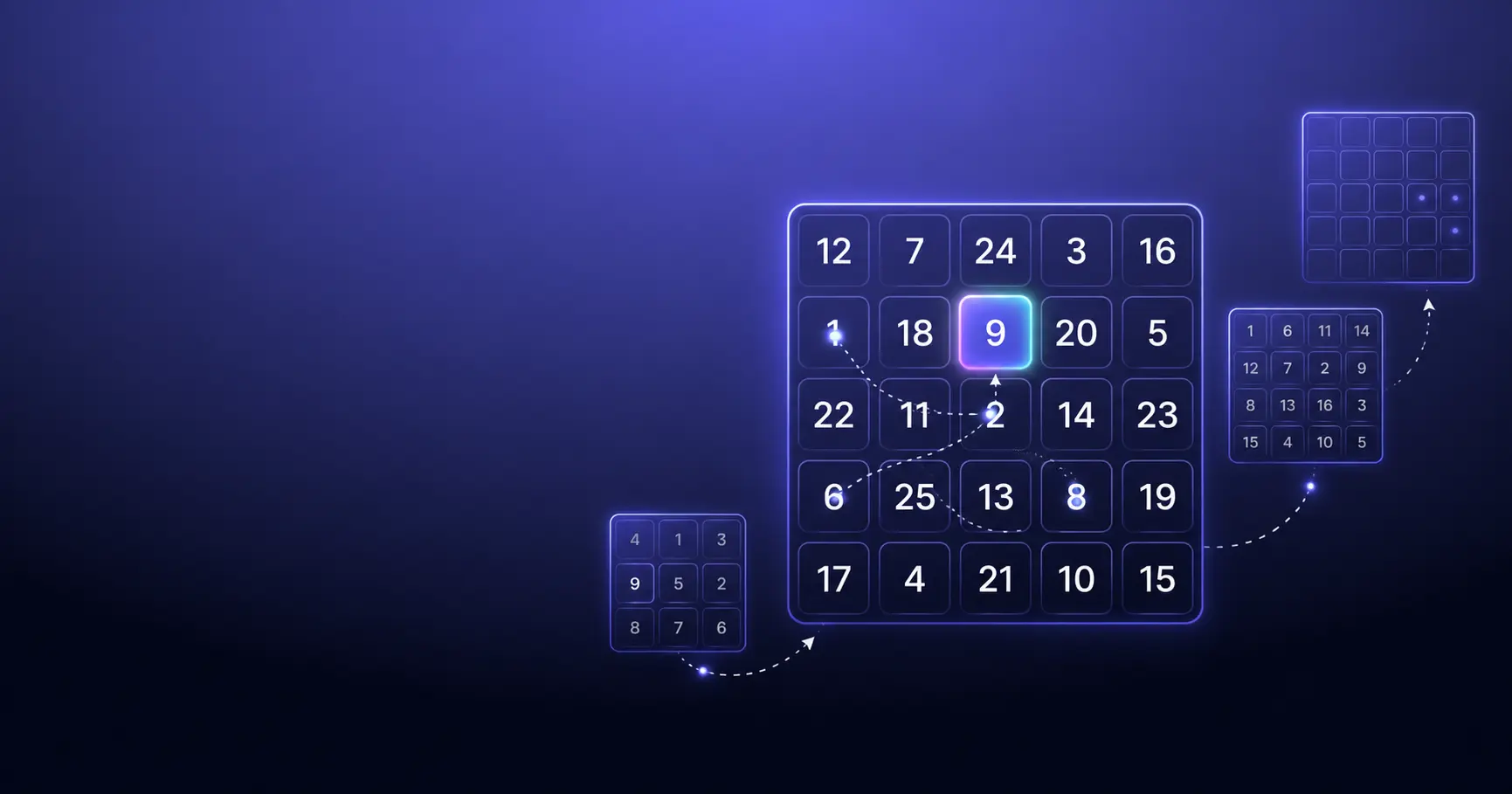
5x5 Schulte table preview with randomized numbers.

Free Schulte Table Trainer

Browser tool

Goal: Cleaner 5x5 rounds with fewer mistakes

Practice Schulte tables online with a simple browser grid. Choose 3x3 through 7x7, track time and mistakes, and use pause, shuffle, and keyboard controls for quick focus sessions.

Start Free Trainer

Visual Search Test

Find the target among distractors

Speed • Accuracy • Focus

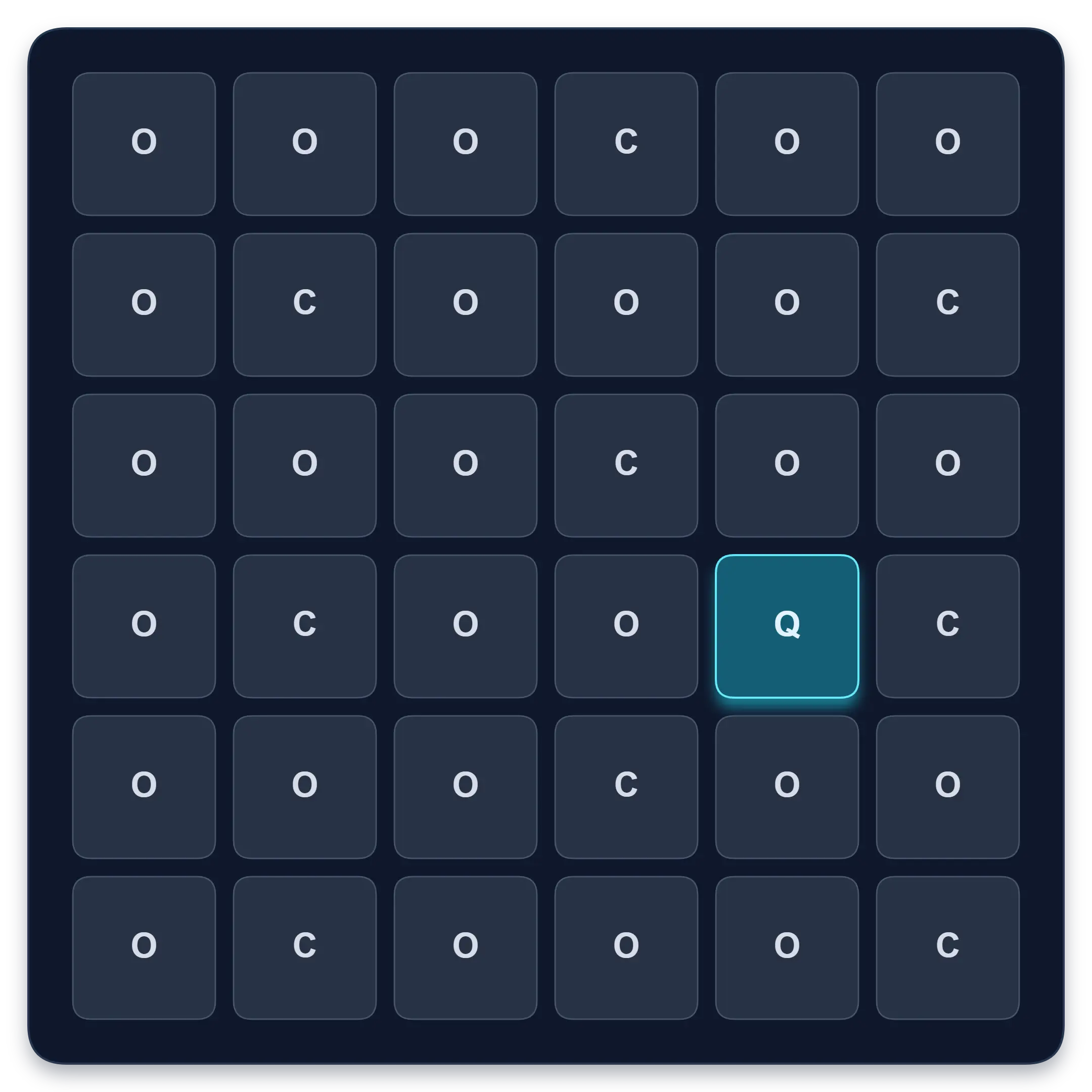
Visual search test grid with one highlighted Q target among O and C distractors.

Visual Search Test

Browser tool

Goal: Faster target spotting with better accuracy

Find one target among similar symbols, letters, or numbers. Complete ten short rounds and track median response time, accuracy, and clean results.

Start Visual Search Test

Visual Memory Test

Remember sequences or patterns

Memory • Focus • Levels

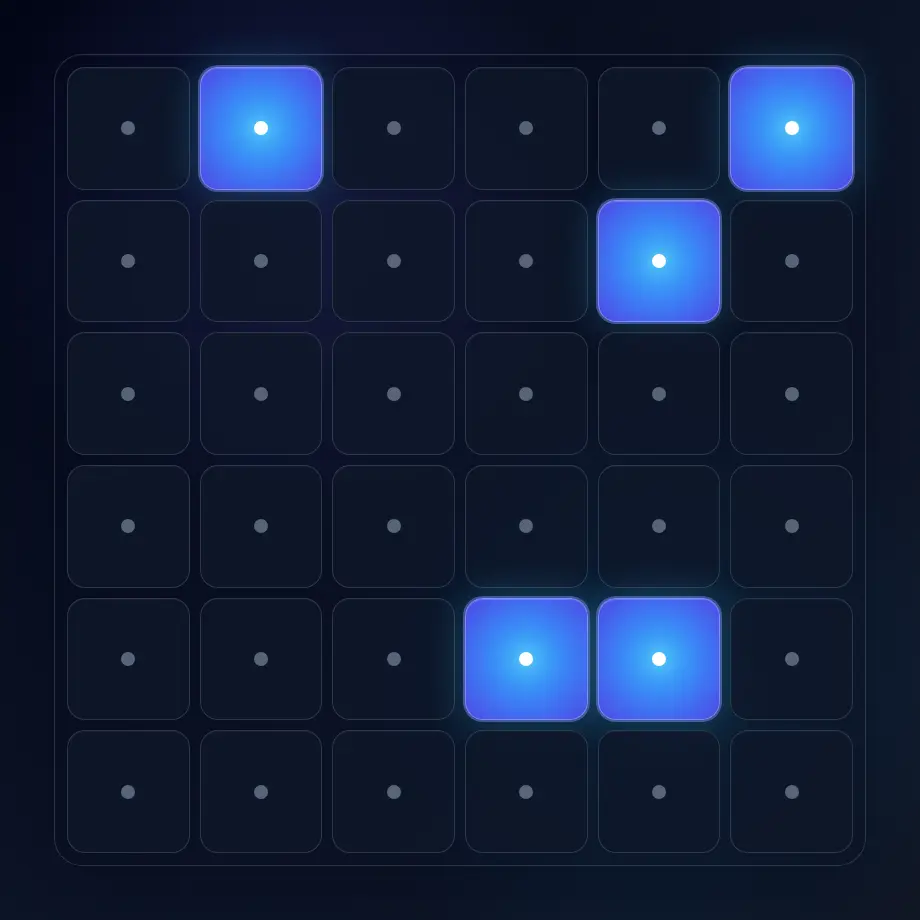
Visual memory test preview with a grid for remembering and replaying highlighted cells.

Visual Memory Test

Browser tool

Goal: Better visual sequence and pattern recall

Choose ordered sequence or 3-second pattern recall, progress through levels, choose difficulty, track your best level, and compare recent local sessions.

Start Memory Test

Story Chain Memory Trainer

Link items into one connected story

Build • Recall • Repair

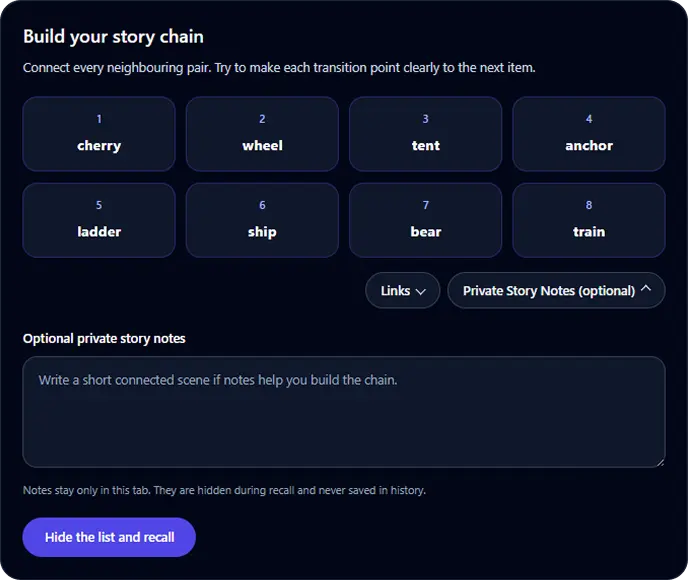
Story Chain Memory Trainer build screen with four ordered word cards and compact links and private notes controls.

Story Chain Memory Trainer

Browser tool

Goal: Recall a short ordered list through connected links

Build a connected story for 4 to 8 items, hide the list, recall it in order, identify the first broken link, and retest after focused repair.

Start Story Chain Trainer

Peg System Memory Trainer

Link numbered pegs to temporary targets

Review • Recall • Repair

Peg System Memory Trainer

Browser tool

Goal: Retrieve a short target list by numbered position

Learn 5 or 10 permanent memory pegs, attach a generated or custom list, test positions in random order, repair weak associations, and retest for free.

Start Peg System Trainer

Chunking Memory Trainer

Group, recall, and reconstruct

Meaningful groups • Exact order • Repair

Chunking Memory Trainer

Browser tool

Goal: Recall an ordered list through meaningful groups

Practise 6, 9, or 12 words, digits, or private custom items. Build useful groups, hide the list, reconstruct every position, compare chunks, and repair weak groups.

Start Chunking Trainer

Peripheral Awareness Trainer

Notice brief off-centre targets

Awareness • Accuracy • Focus

Peripheral awareness exercise preview with a target among visual markers.

Peripheral Awareness Trainer

Browser tool

Goal: Off-center awareness while holding focus

Keep attention near the centre while noticing brief off-centre targets. Complete a dual task and review central, peripheral, and combined accuracy.

Start Awareness Exercise

Reaction Time Test

Respond to one visual signal

Median • Fastest • Spread

Reaction time test interface showing a visual signal and response-time results.

Reaction Time Test

Browser tool

Goal: Response-speed measurement for one visual signal

Wait for an unpredictable visual signal, then respond as quickly as you can. Choose 1 to 10 trials and review your median, average, fastest time, and false starts.

Test Reaction Time

For a more useful comparison, repeat the same tool, difficulty, grid size, and input method. Review median time, accuracy, mistakes, and consistency across several sessions instead of treating one fastest score as a complete benchmark.

For longer-term practice

Move from one result to a useful history.

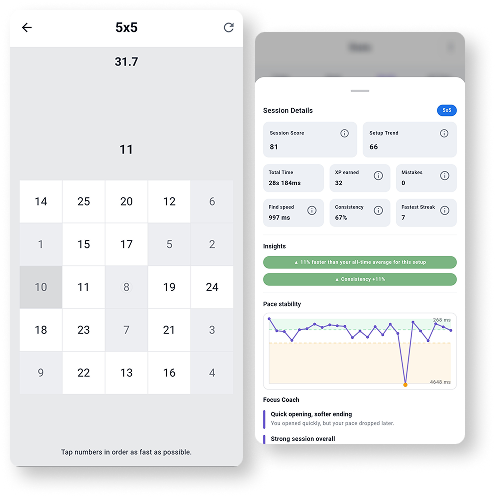
Browser tools help you start quickly. Quartenson: Schulte Tables adds session history, pace patterns, heatmaps, achievements, and weekly review when you want to follow your Schulte-table practice over time.

  • Session history
  • Pace patterns and heatmaps
  • Weekly progress review
Explore Schulte Tables
Quartenson: Schulte Tables phones preview showing gameplay and session analytics.

How we approach practice

Simple products, careful comparisons, useful context.

Quartenson is designed around repeatable practice and understandable progress - not exaggerated promises from one result.

01

Start without friction

Open a free browser exercise and begin without creating an account.

02

Compare like with like

Keep the mode and setup consistent before interpreting a change.

03

Look beyond one result

Use repeated sessions, medians, consistency, and history as context.

Understand your practice

Learn how to use exercises and interpret results.

Read practical explanations before changing your setup or drawing conclusions from one result.

Browse all guides